API-first · AI-first · fully flexible

Simulation built API-first and AI-first

Every part of OneSimulation is a Python API: geometry, mesh, physics, numerics and results. The included MCP server opens the same studies to Codex and Claude Code, so your assistant builds, runs and reads simulations on your machine. And nothing is fixed: 16 physics modules, finite elements, finite volumes, finite differences and discontinuous Galerkin, implicit and explicit time integrators, direct and Krylov solvers, multiphysics couplings and equations of your own. Swap any of them with one argument.

Seven-day trial, then from €19 per month before any applicable tax. 30-day money-back guarantee. For macOS on Apple Silicon, Ubuntu 22.04 and Windows x64. Read the tutorial first.
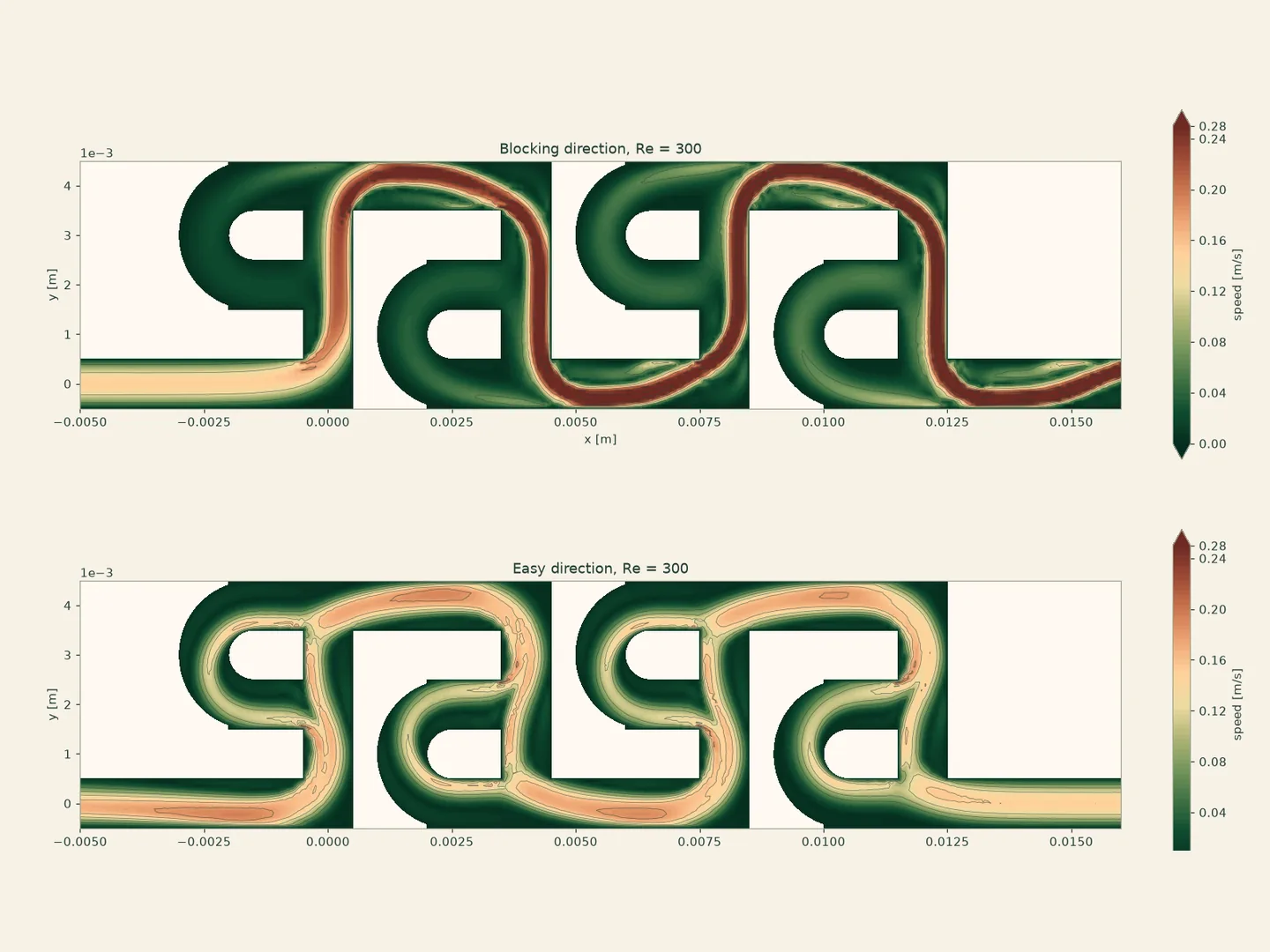
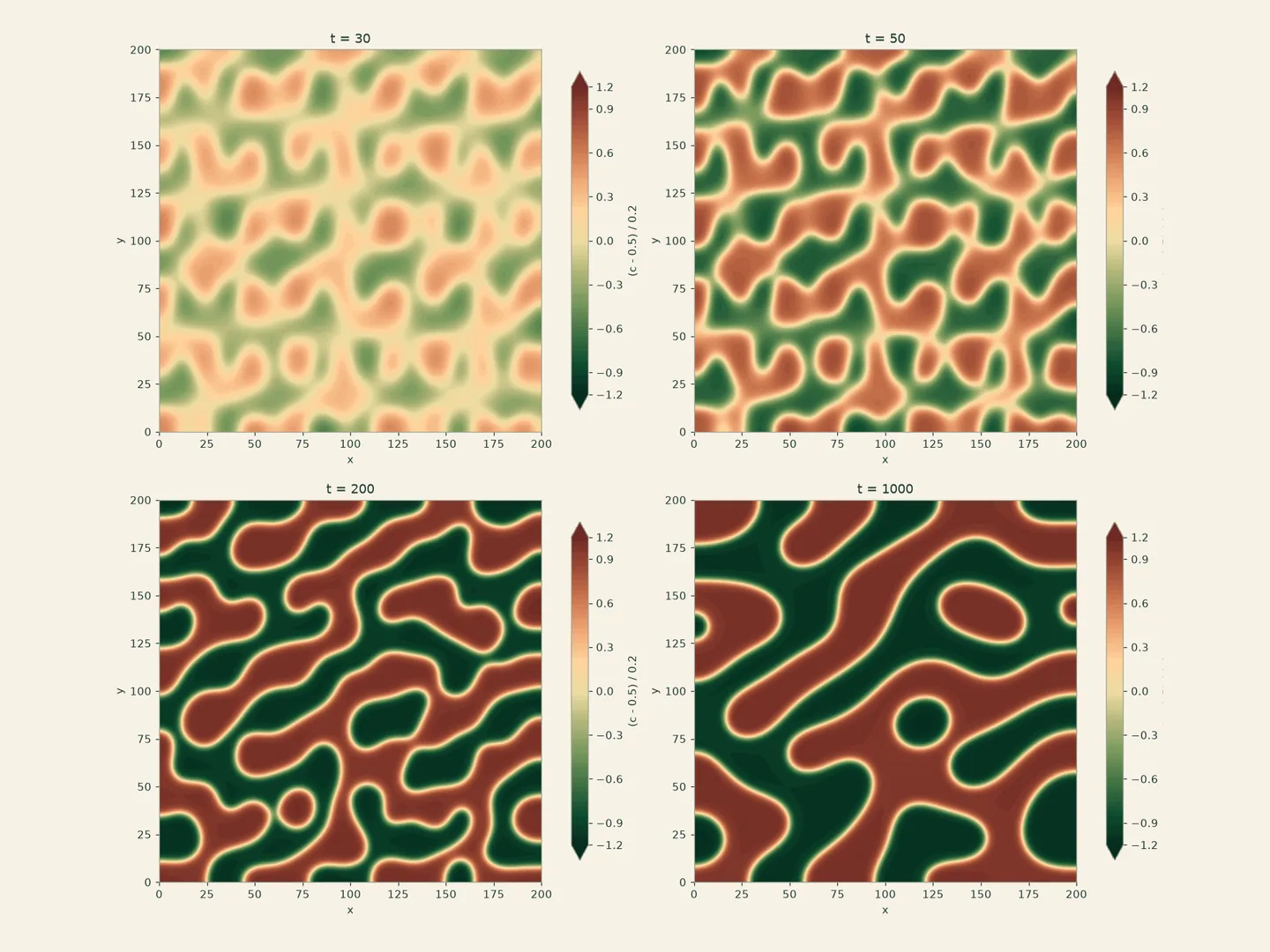
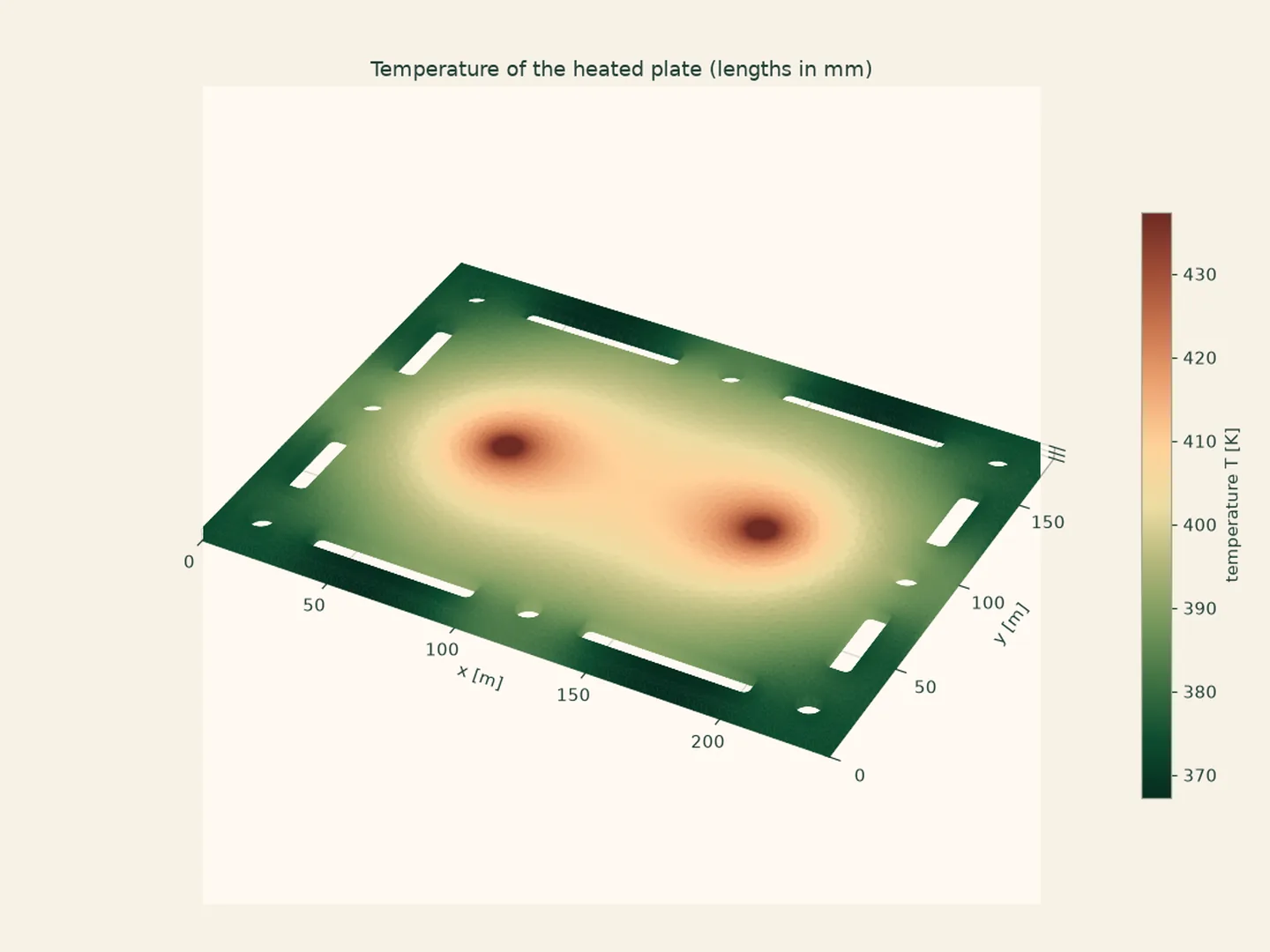
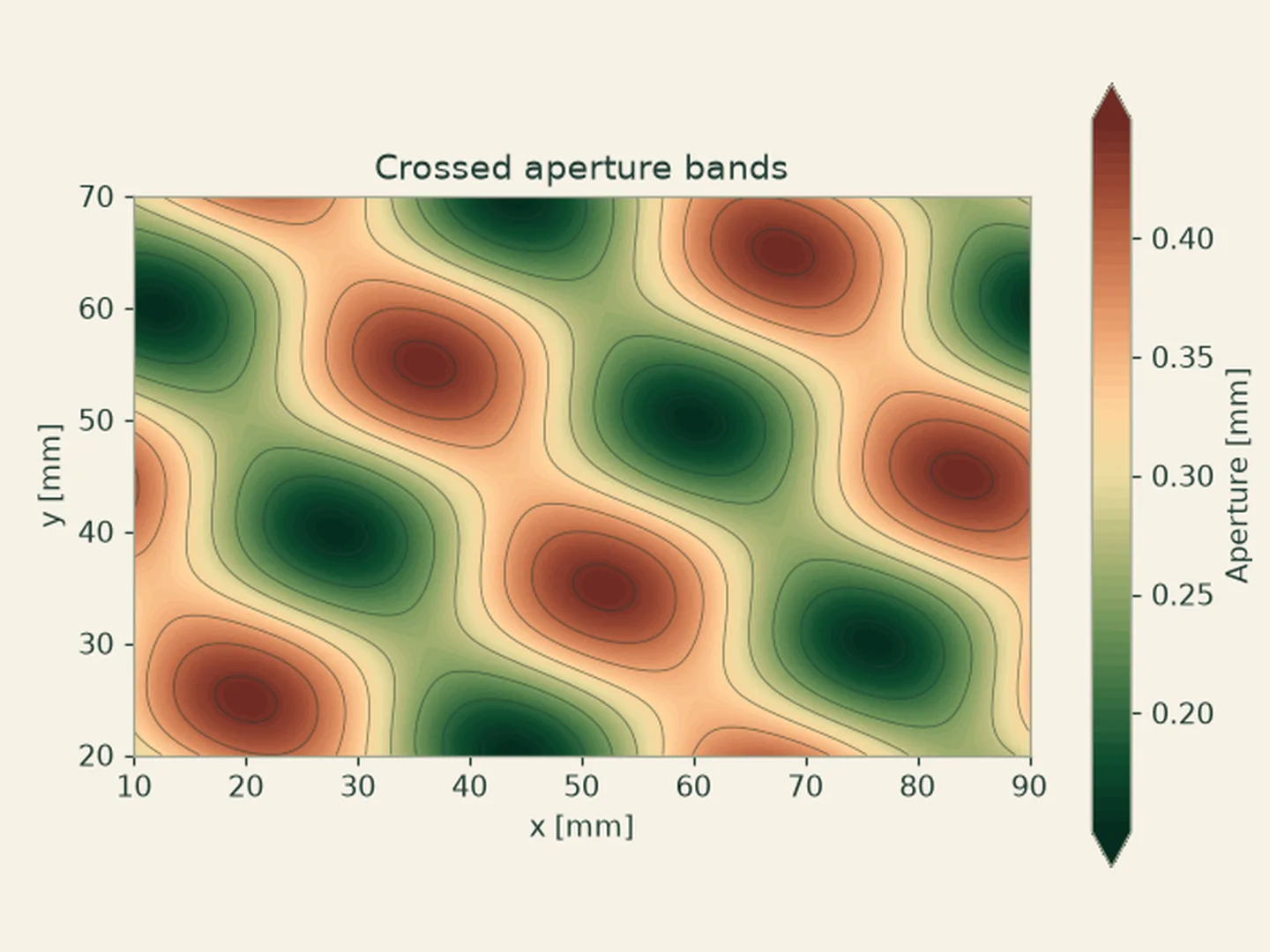
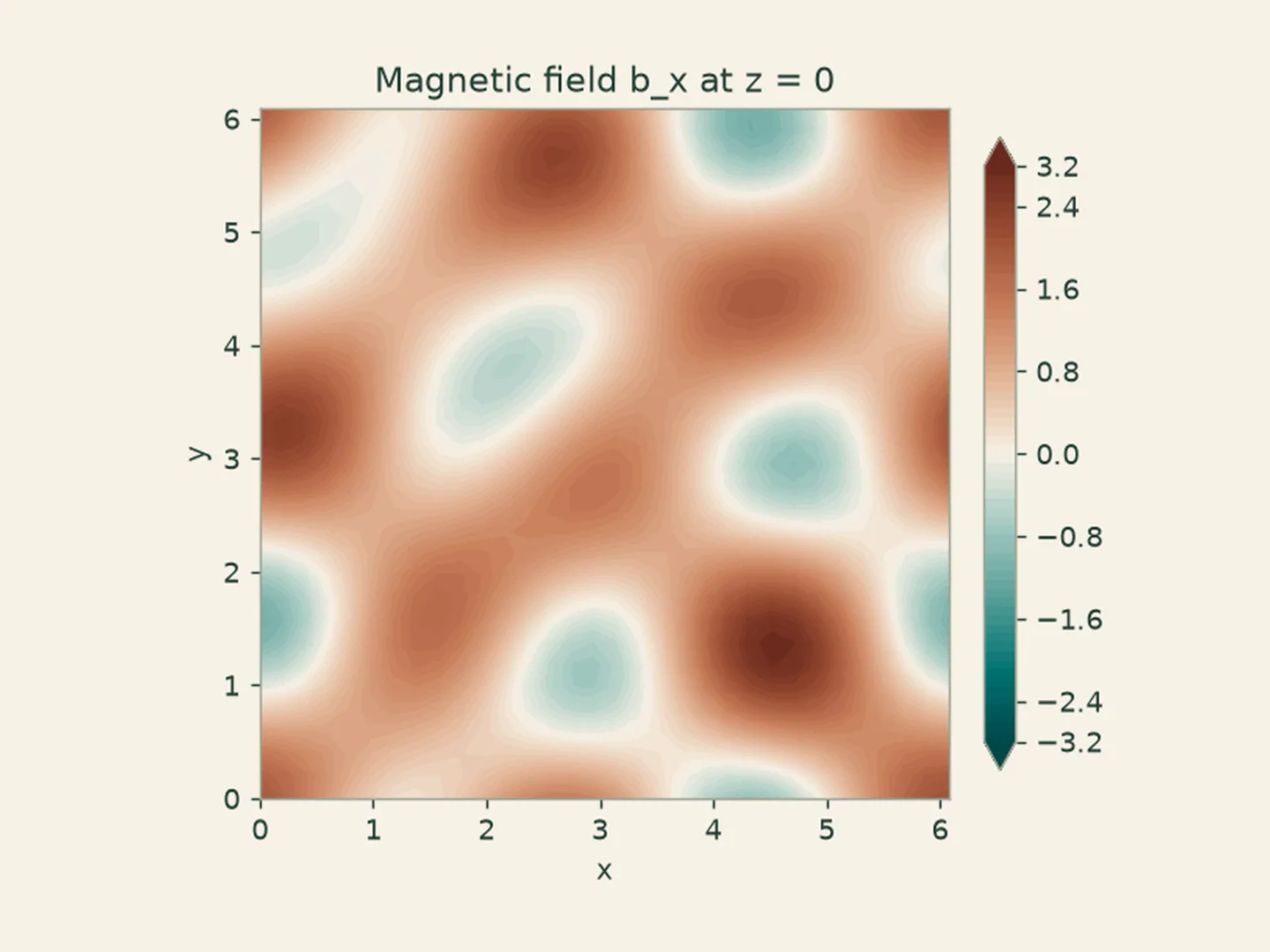
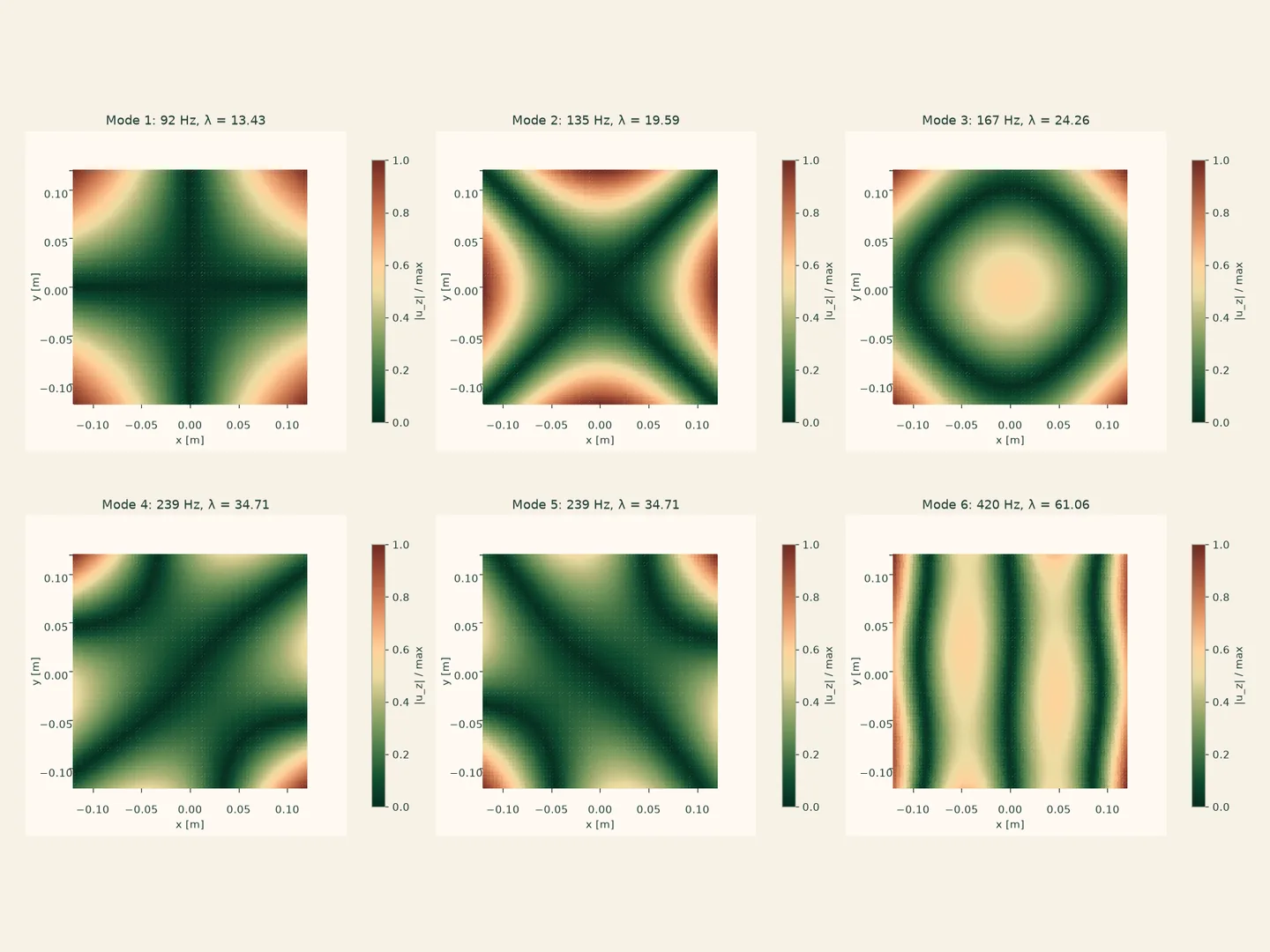
Worked examples, each with a reference check
377
MCP tools for Codex and Claude Code
10
Physics modules behind one API
16

API first

Geometry, mesh, materials, physics, numerics, results and storage are Python objects that fit together. Script a parameter study, plug OneSimulation into your own tools or rebuild any example from the public notebooks. Nothing hides behind a GUI.

Browse the API reference

AI first

The included MCP server gives Codex and Claude Code ten tools for OneSimulation. Your assistant creates heat and structural studies from a plain description, imports projects you built in Python, runs them on your machine and reads back the fields and the HDF5 results. For everything else it writes the Python against the full API.

Connect your assistant

Fully flexible

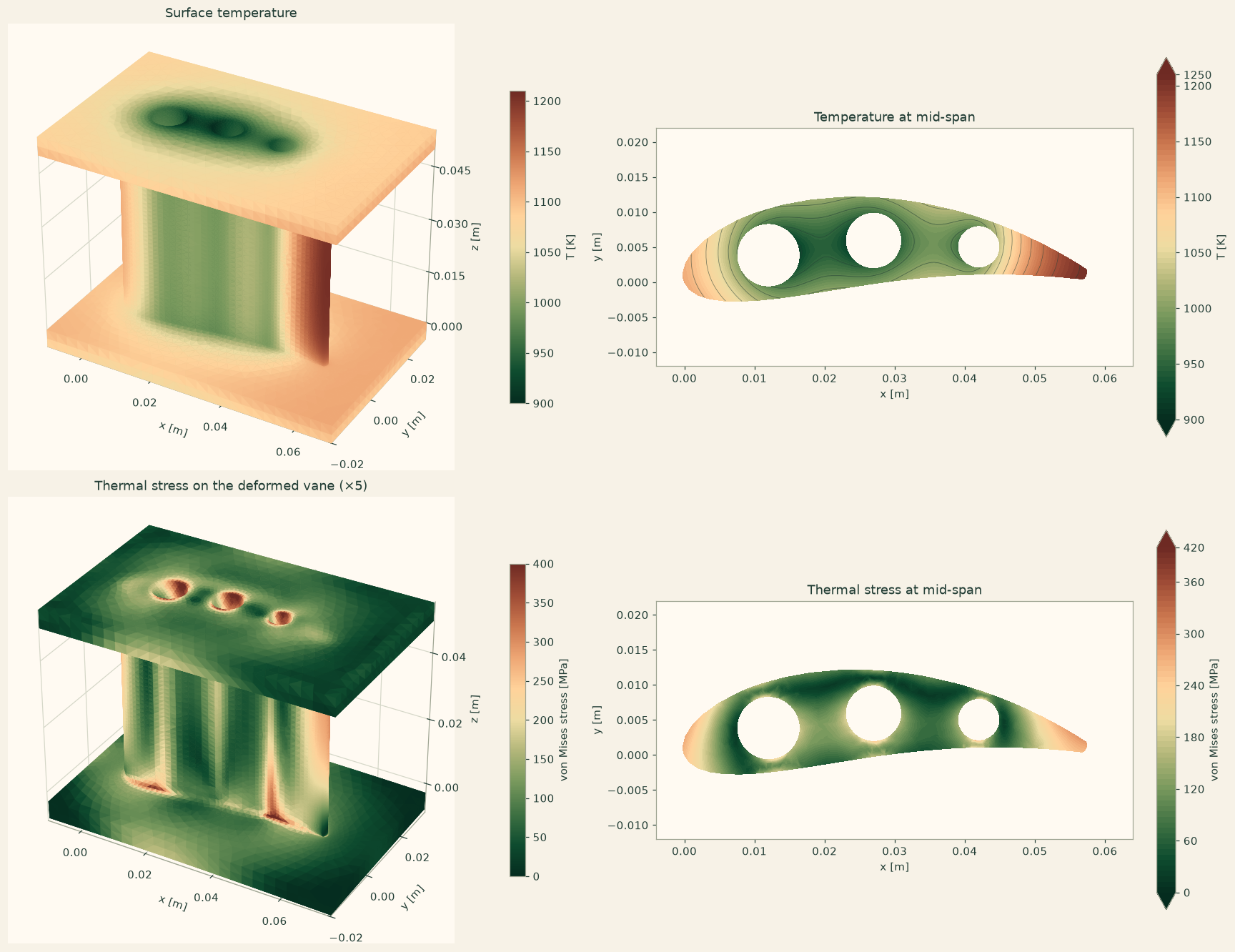
16 physics modules, from fluid flow, heat transfer and solid mechanics to electromagnetics, magnetostatics, acoustics, optics, plasma physics, MHD, chemistry, geotechnics, biophysics and multibody dynamics. Behind them four discretization families, implicit and explicit time stepping, direct, Krylov and multigrid solvers, couplings across meshes and your own equations. Swap the method with one argument, feed any solved field into another model, and go from a single ODE to a coupled 3D field problem.

See one shock tube through every method

3D case studies

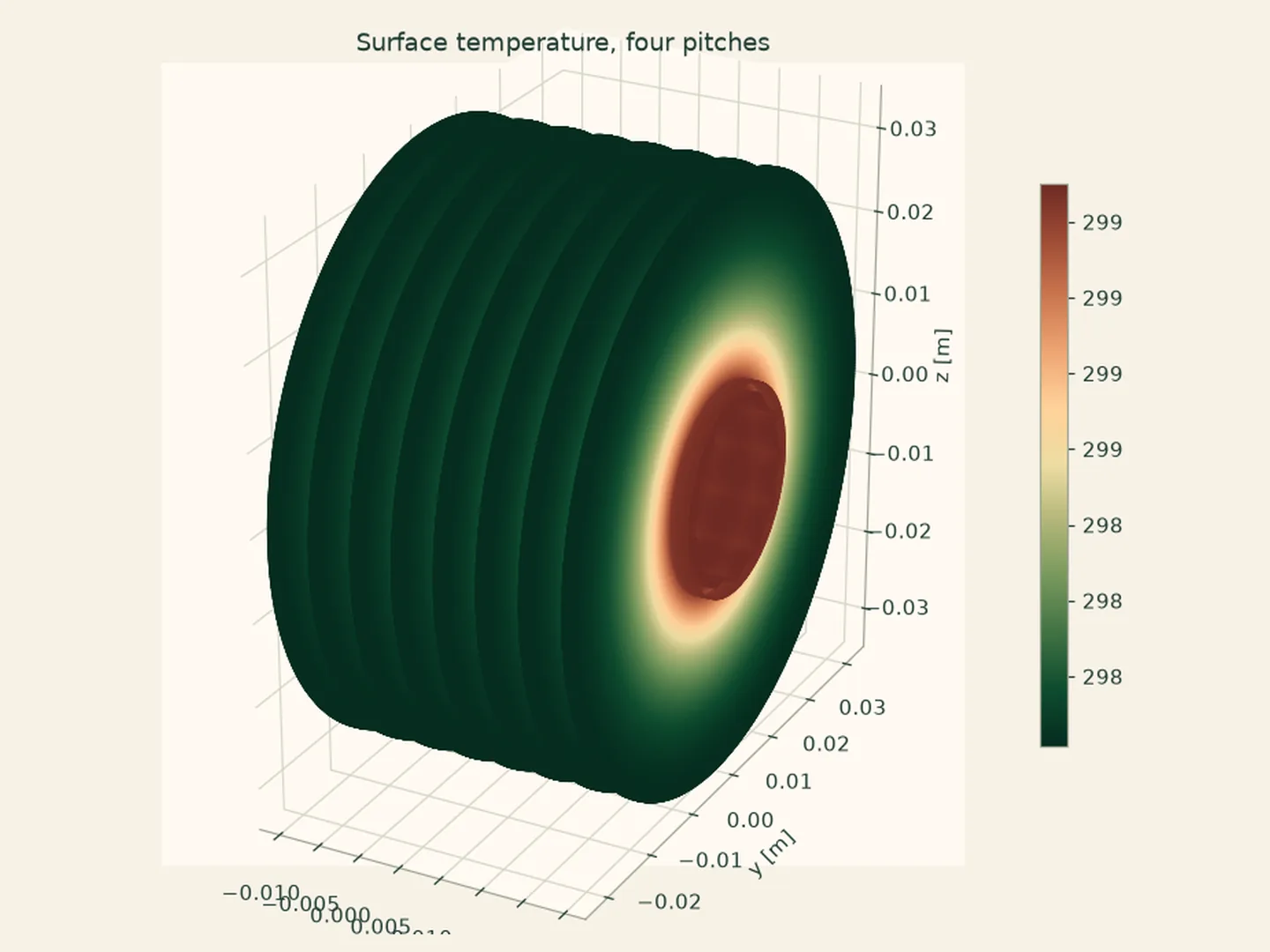
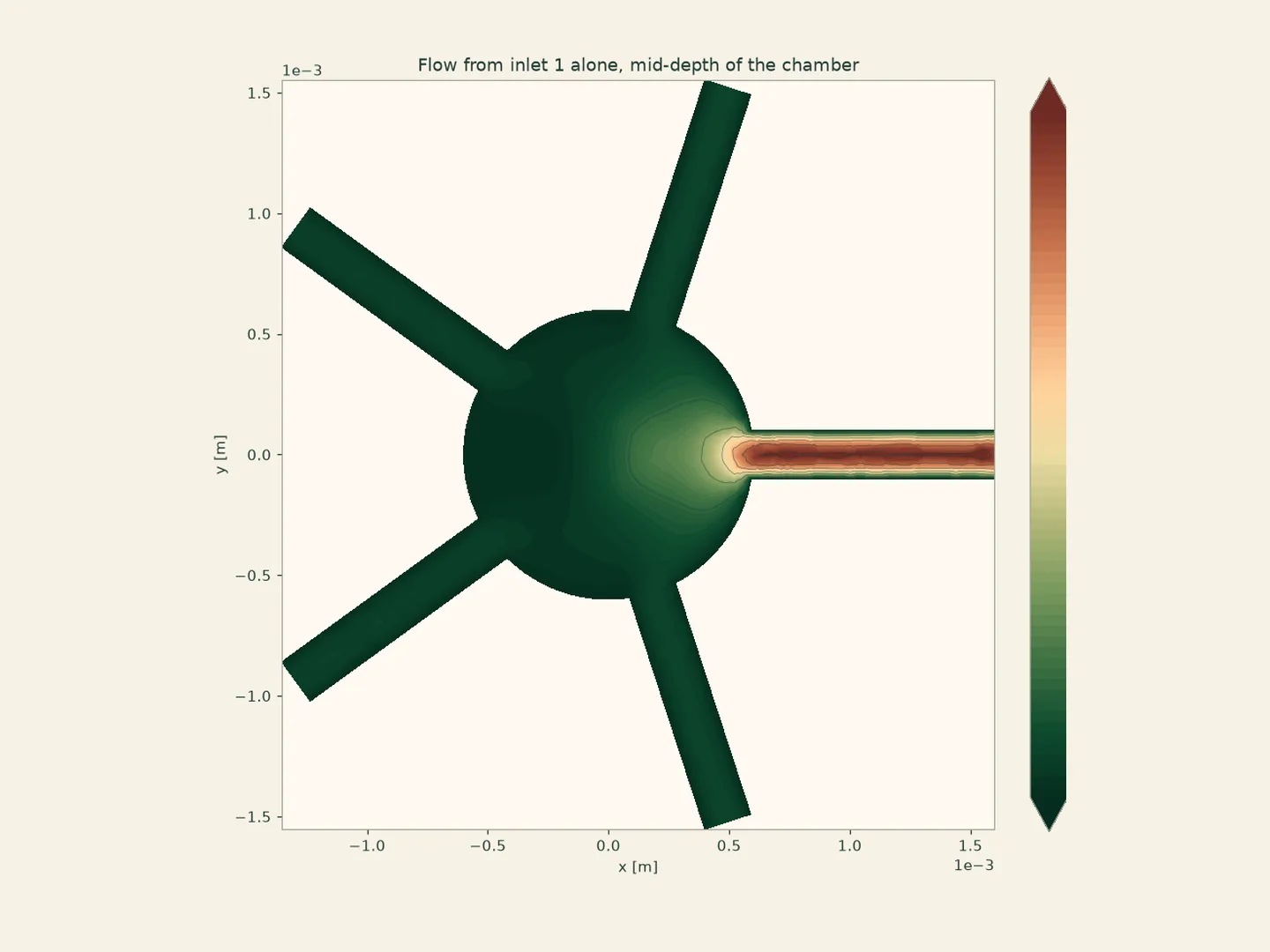
Results for Heat sink in a forced air flow

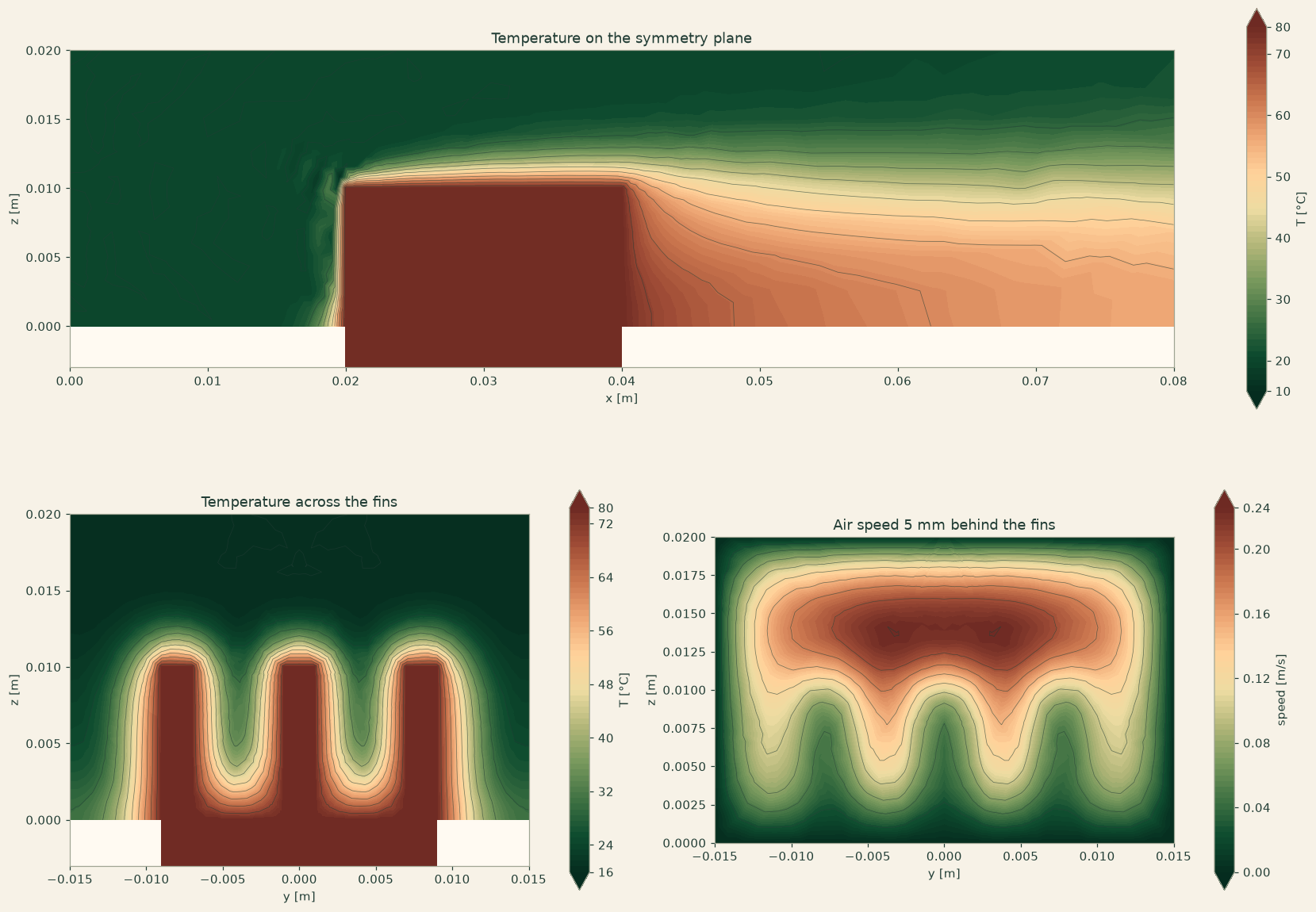
Heat sink in a forced air flow

A 1 W component cooled by an aluminium heat sink in a laminar air duct. The outlet temperature rise is 14.19 K compared with 13.76 K from the energy balance.

Browse all 3D examples

Simulation against the analytical solution

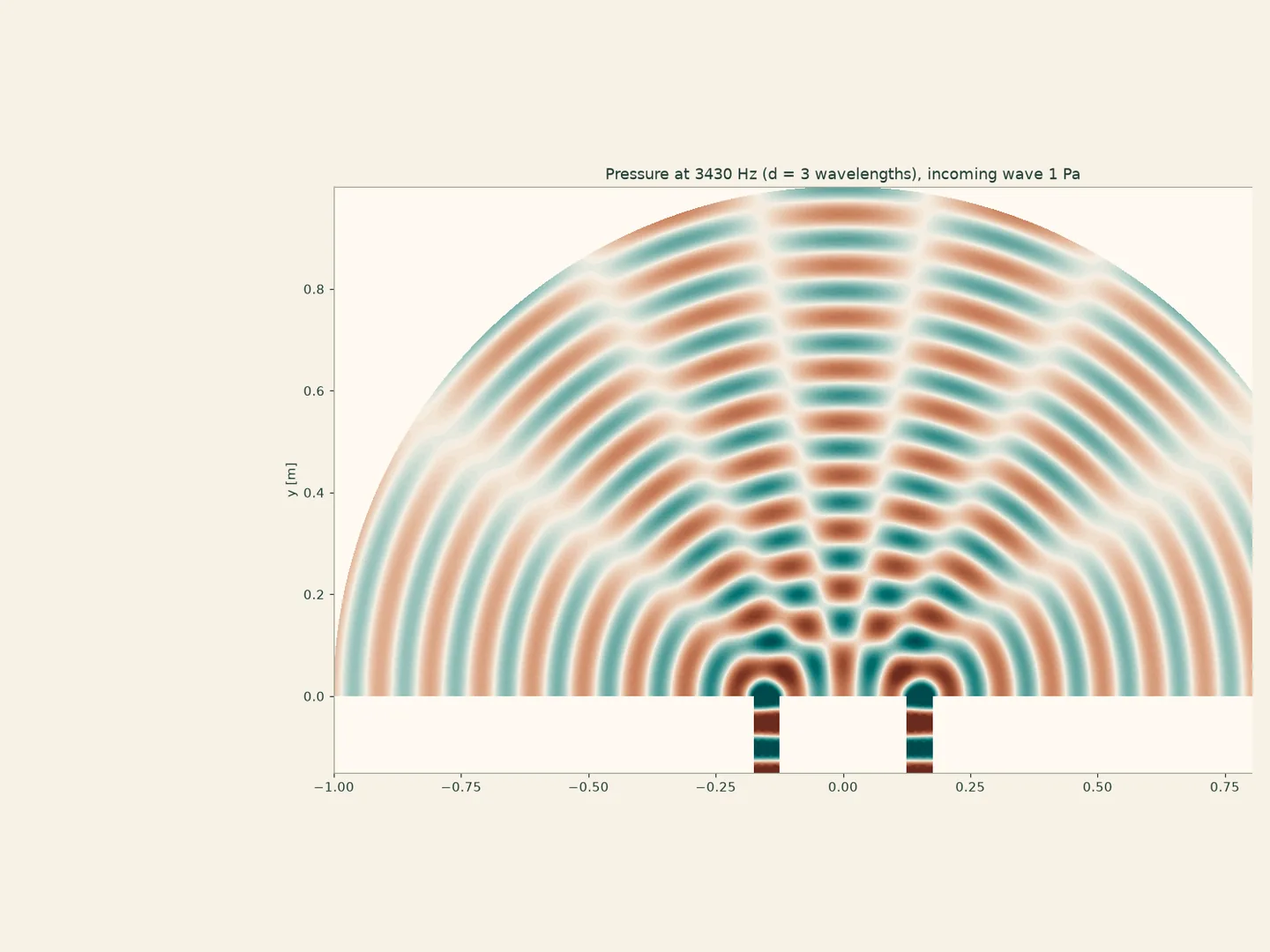
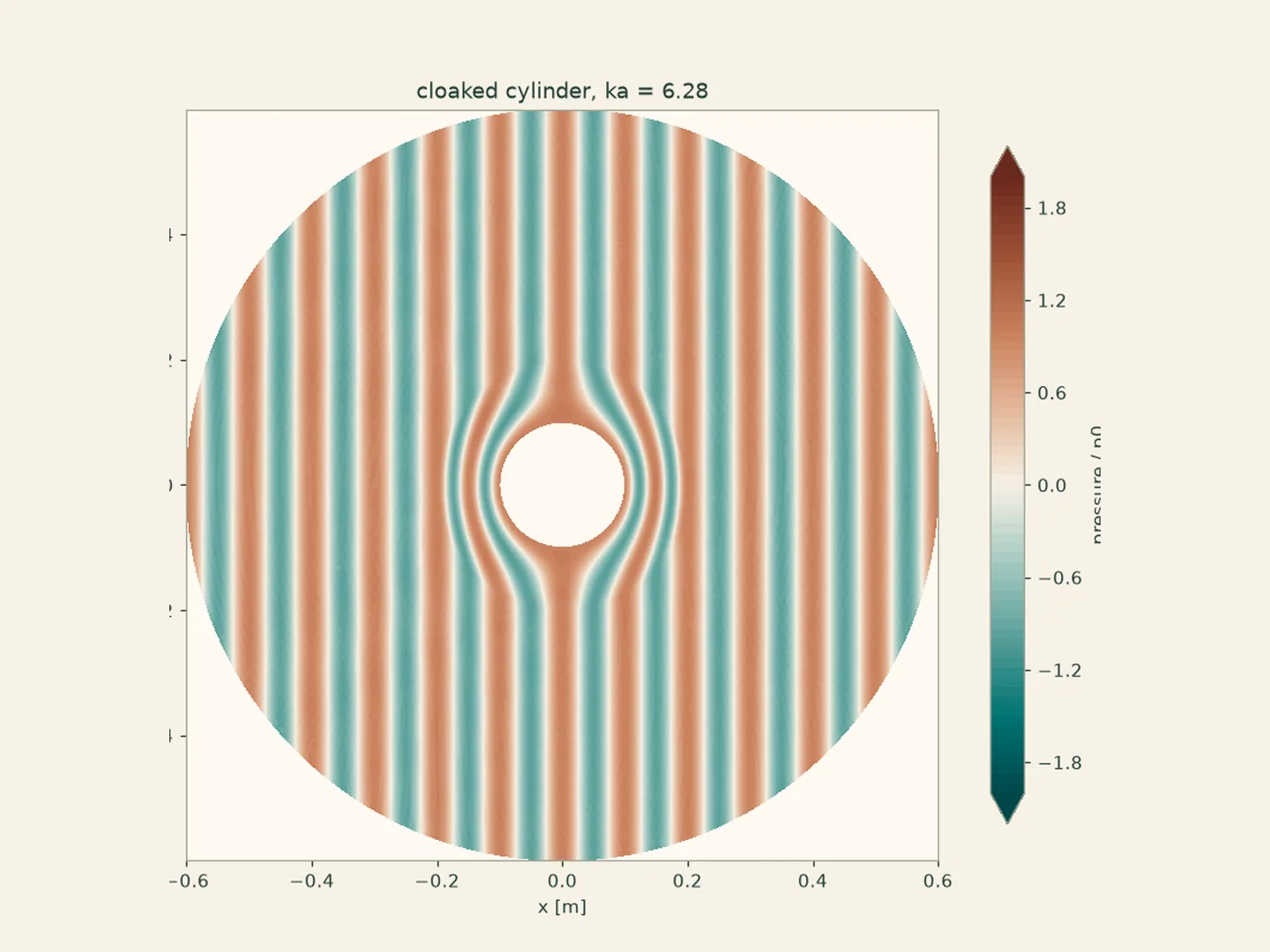
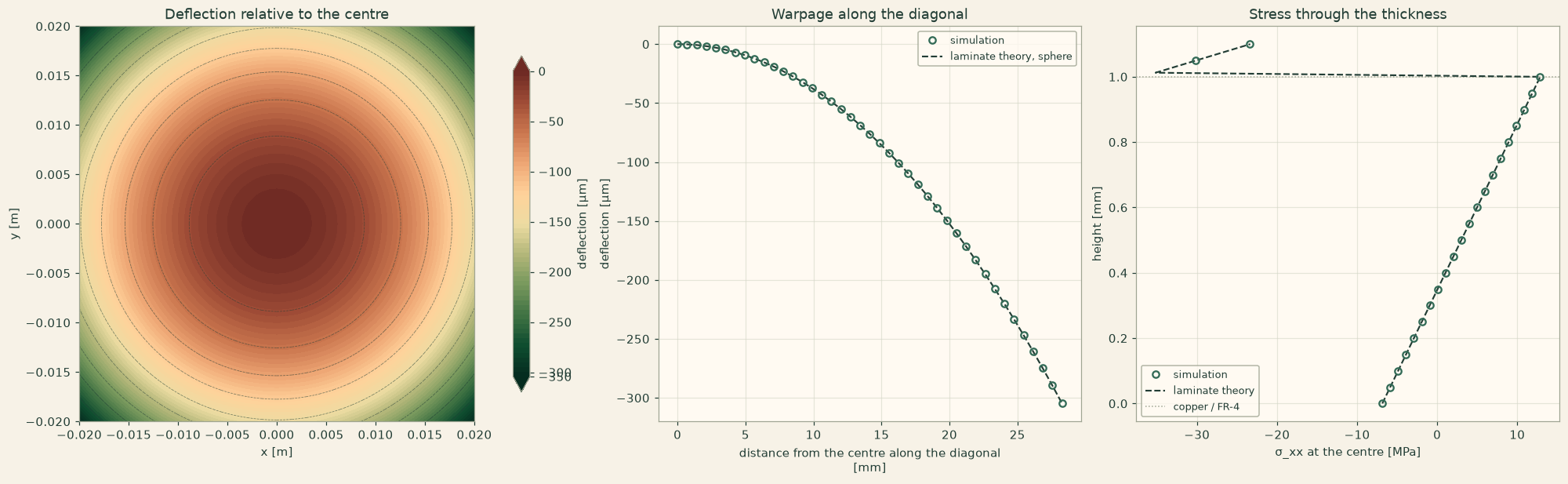
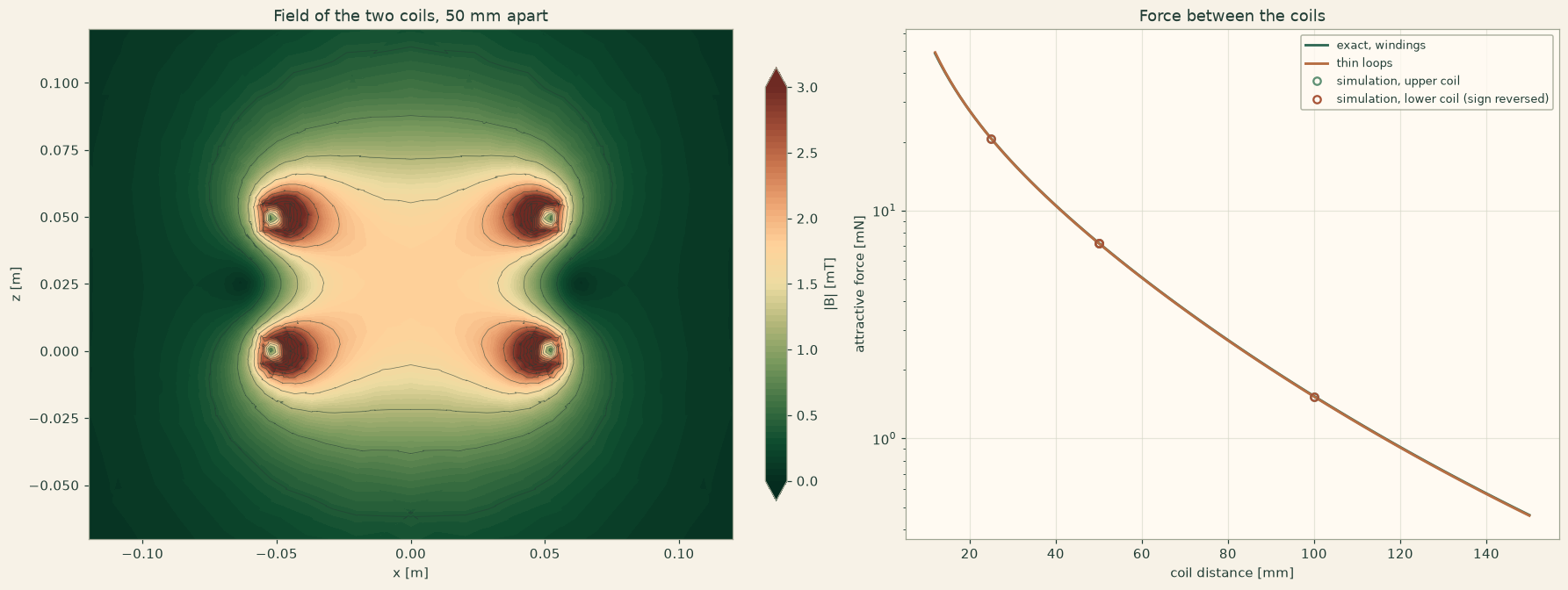
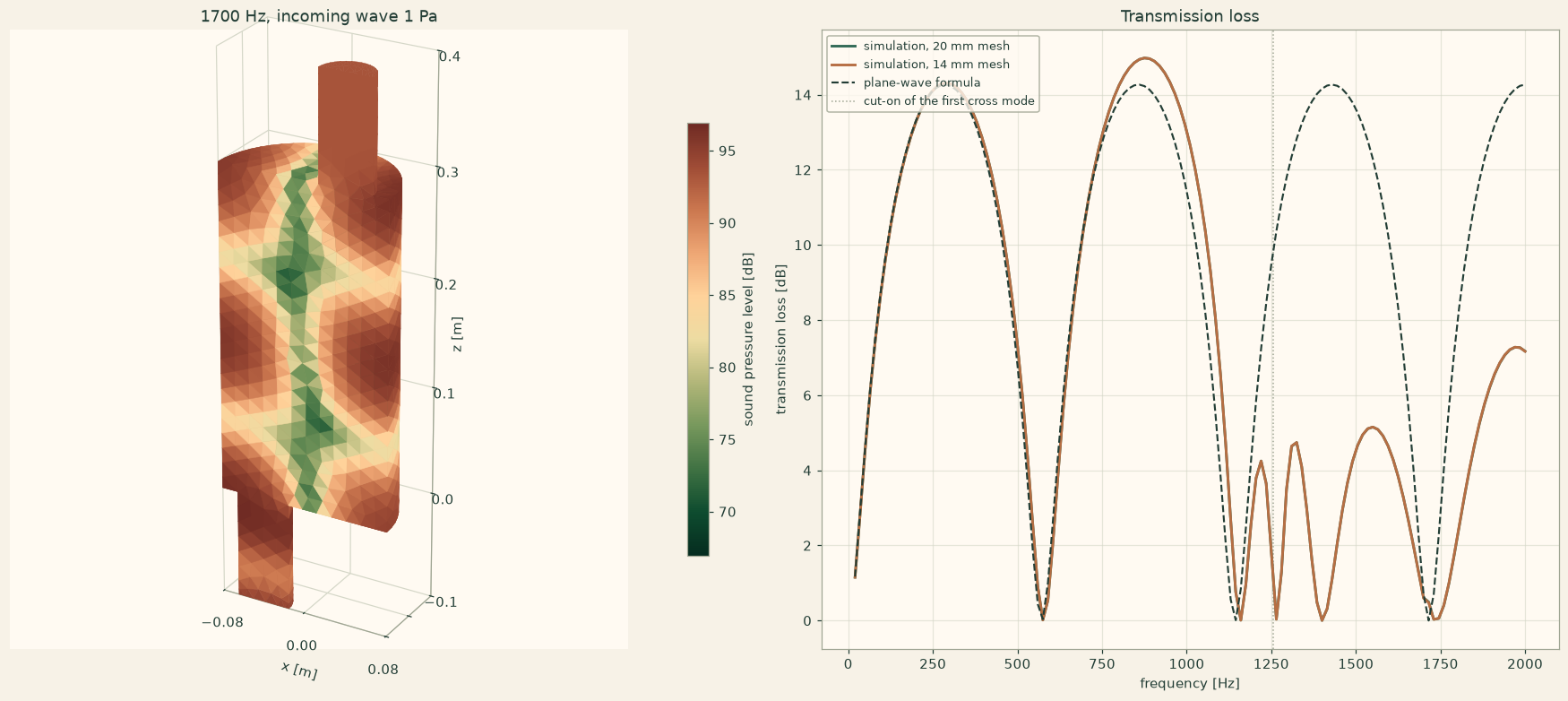
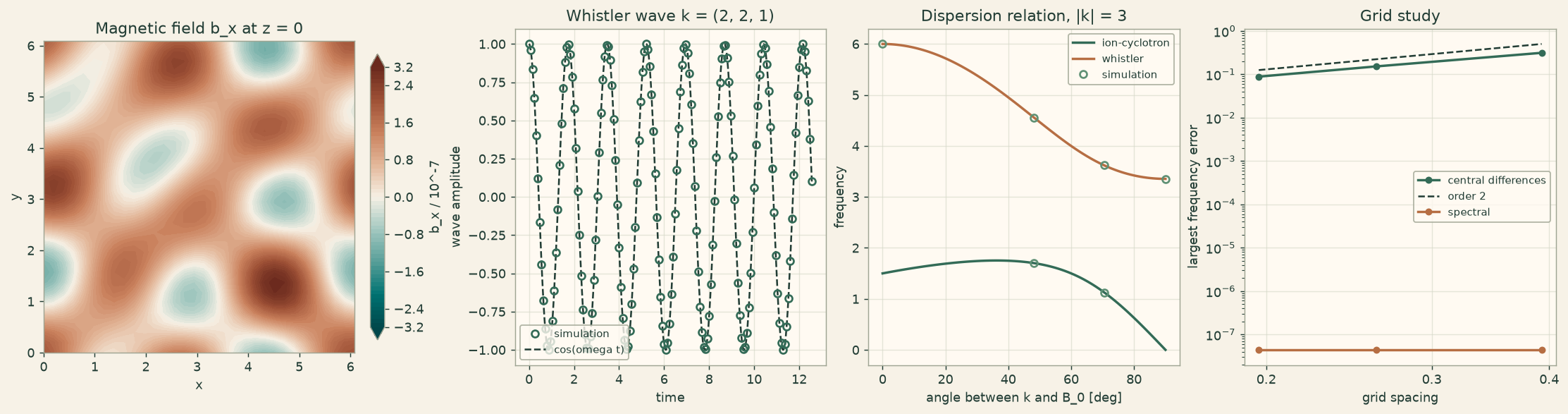
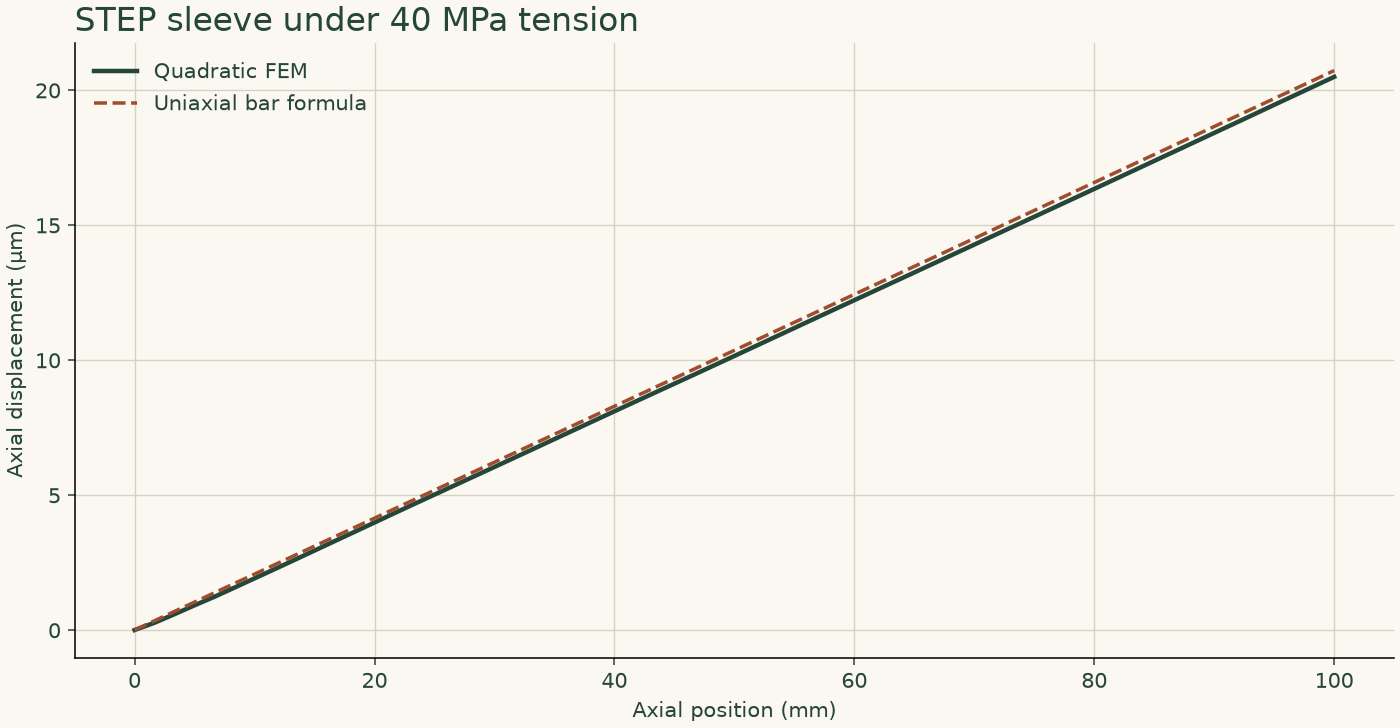
Step through every validation case with an analytical solution, from a steel sleeve imported as a STEP file to Bessel-function eddy currents, exact dam-break waves and acoustic scattering series. Each plot sets the simulation against the closed-form result and states the deviation. Every case is a notebook you can open, download and rerun.

Open the application library

Recorded session

One request. The assistant builds, runs and reads the study.

Claude Code received this one request and nothing else. Through the OneSimulation MCP server it created the model, started the run and read the temperature field. The centre comes out at 325.0 K, the value of the exact linear profile.

Set it up in your assistant
  1. You

    Create and save a steady heat study for a 2 × 1 × 1 m block with two cells per axis. Use conductivity 4 W/(m·K), density 1,000 kg/m³ and heat capacity 500 J/(kg·K). Hold the left end at 350 K and the right end at 300 K. Insulate the other faces. Run the study and return its run ID, the temperature at the centre and the path to the HDF5 result.

  2. create_simulation

    Box 2 × 1 × 1 m with 2 × 2 × 2 cells. Heat conduction, 4 W/(m·K). 350 K at x_min, 300 K at x_max.

    Project and study saved

  3. start_project_simulation

    Run b318a543-bafd-4df3-b668-6aa26d0cbd4d queued

  4. get_simulation_results

    Completed. Fields: temperature and reaction heat flow on 27 nodes

  5. get_simulation_results · temperature

    Nine nodes each at 350.0 K, 325.0 K and 300.0 K

  6. Claude Code

    The study is saved and the run completed, with the solver converged and the result accepted.

    • Run ID: b318a543-bafd-4df3-b668-6aa26d0cbd4d
    • Centre temperature: 325.0 K (node 13 at the block centre)
    • HDF5 result: …/mcp_runs/b318a543-…/result_sets/5b8d7385-….h5

    The centre value matches the expected linear profile between 350 K and 300 K; every node on the mid-plane reads 325 K.

Recorded with Claude Code on 24 November 2026. Shown are the request, the MCP calls with what they returned and the answer; paths are shortened.

Application Library

377 published cases, each with its model, code, results and verification. Read a full example or download its notebook and data.

Fundamentals

Study physics, mechanical engineering or numerical mathematics. Each course includes worked examples, exercises with worked solutions and a numerical experiment you can change.